
Servo Motor Vibration: Causes and Solutions
Servo motor vibration can come from mechanical resonance, loose mounting, coupling misalignment, shaft or linkage problems, bearing wear, power-supply instability, or control-loop settings. The correct diagnosis depends on when the vibration occurs, whether it changes with speed or load direction, and whether it is visible at the servo output, coupling, or driven mechanism.
Start with the mechanical installation before changing control parameters. Check the mounting bolts, coupling or linkage, output alignment, shaft loading, mechanical clearance, and structural stiffness. Then review the power supply, command signal, feedback configuration, and controller settings under the actual operating conditions.
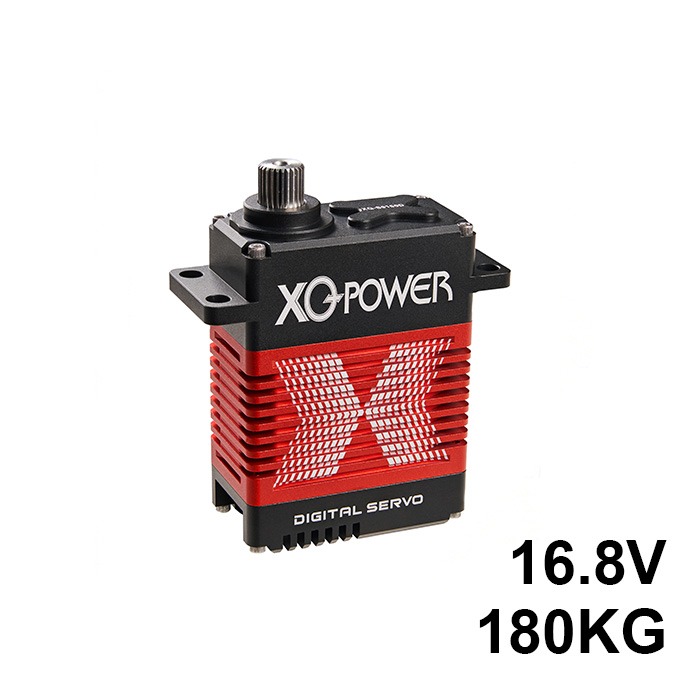
Mechanical Resonance and Mounting Checks
Servo motor vibration is often caused by the complete motion system rather than by the motor alone. Brushless DC motors are inherently smooth — there are no brushes to arc, no commutator segments to bounce across. If your servo is vibrating, the root cause is almost always mechanical resonance in the system or an electrical control issue. Here’s how to tell which one you’re dealing with.
Mechanical resonance can occur when the operating characteristics of the servo interact with the natural frequency of the machine structure. The result may be vibration at a particular speed, load condition, or direction of movement. Resonance depends on the mass, stiffness, damping, mounting arrangement, coupling, linkage, and driven load of the complete mechanism.
To investigate a suspected resonance, record when the vibration appears and whether it changes with speed, load, direction, or mounting condition. Do not assume a fixed amplification factor or a universal speed threshold. Use measurements from the actual installation to identify the operating range and the mechanical source.
Corrective action should begin with the mechanical installation. Check the mounting plate, fasteners, coupling or linkage, shaft alignment, output loading, and structural stiffness. A mounting change may alter the system response, but the correct solution depends on the measured behavior and the requirements of the complete mechanism.
Flexible or rigid couplings can produce different effects on compliance, alignment, damping, and positioning behavior. Select the coupling and mounting method according to the servo output, driven load, allowable misalignment, operating speed, and required positioning performance.
Loose Mounting and Mechanical Connections
Loose or poorly secured mechanical connections can create irregular vibration that changes with load direction, acceleration, or movement. Inspect the servo mounting bolts, coupling fasteners, linkage joints, pulley or gear connections, base plate, and output attachment.
Also check for shaft misalignment, excessive radial or axial loading, mechanical interference, and clearance problems. Tighten and secure each connection according to the applicable assembly requirements, then repeat the test under the same operating conditions. Do not attribute a vibration fault to the servo before the complete mechanical transmission has been inspected.
Bearing Wear and Load-Related Vibration
Bearing wear can produce grinding, roughness, increased play, or vibration that becomes more noticeable over time. The symptoms depend on the bearing type, radial and axial loading, speed, alignment, contamination, lubrication, temperature, and maintenance conditions.
If vibration increases progressively or the output shaft develops abnormal play, stop relying on the servo until the bearing system, output load, and mechanical alignment have been inspected. Do not estimate service life from a generic hour range. Use the exact product documentation, operating history, and inspection results to determine whether repair, replacement, or a mechanical correction is appropriate.
Control-Loop Settings and Electrical Causes
Electrical and control-loop settings can also produce vibration-like behavior. An aggressive position or velocity gain may cause the servo to overshoot the target, correct repeatedly, and oscillate around the command position. This can look like mechanical vibration even when the primary cause is control-loop instability.
Before changing controller parameters, record the operating voltage, command signal, feedback configuration, load condition, speed, and vibration behavior. Adjust one parameter at a time according to the controller documentation and observe the response under repeatable conditions. Do not apply a fixed adjustment percentage to every servo or mechanism.
Power Supply and Command-Signal Checks
Power-supply instability, wiring resistance, connector problems, or command-signal issues can also contribute to servo vibration or audible noise. Check the supply voltage at the servo under load, inspect the power and signal connections, and confirm that the controller configuration matches the selected servo variant.
Record the voltage, load, operating speed, command signal, feedback configuration, and vibration behavior during the test. Do not use a universal ripple threshold or add capacitance without checking the controller, wiring, connector, and power-supply requirements for the complete system.
Servo motor vibration should be diagnosed as a complete-system problem. Start with mounting, alignment, coupling, linkage, output loading, and mechanical clearance. Then check the power supply, command signal, feedback configuration, and controller settings under repeatable operating conditions. Record the symptoms and test conditions before changing parts or parameters.
Related Servo Vibration and Selection Resources
For installation and mechanical interface guidance, read the servo motor mounting, flange, spline, and shaft guide. For high-torque model comparison, visit the High Torque Servo category. For application-specific troubleshooting or OEM/ODM support, contact the XQ-POWER engineering team.
Frequently Asked Questions
Common causes include mechanical resonance, loose mounting, coupling or linkage misalignment, excessive shaft loading, bearing wear, power-supply instability, command-signal problems, and unsuitable control-loop settings. Diagnose the complete motion system rather than assuming that the motor is the only source.
Start with the mechanical installation. Check mounting bolts, coupling or linkage alignment, output loading, shaft clearance, structural stiffness, and fasteners. Then check the power supply, command signal, feedback configuration, and controller settings under repeatable operating conditions.
Changing control-loop settings may help when the vibration is caused by overshoot or oscillation, but it should not be the first assumption. Record the load, speed, voltage, command signal, feedback configuration, and symptoms before changing one controller parameter at a time according to the controller documentation.
Not necessarily. Vibration can result from mounting, alignment, resonance, coupling, linkage, power, feedback, or control-loop problems. A higher torque rating does not by itself correct a mechanical or electrical issue in the complete system.
Need Help Diagnosing Servo Vibration?
Share the servo model, supply voltage, load profile, operating speed, duty cycle, mounting arrangement, control interface, and vibration symptoms with the XQ-POWER engineering team for application-specific guidance.